AI Agent Guide
From Magic Box to Partner — A simple guide for working with AI coding assistants.
The Big Idea
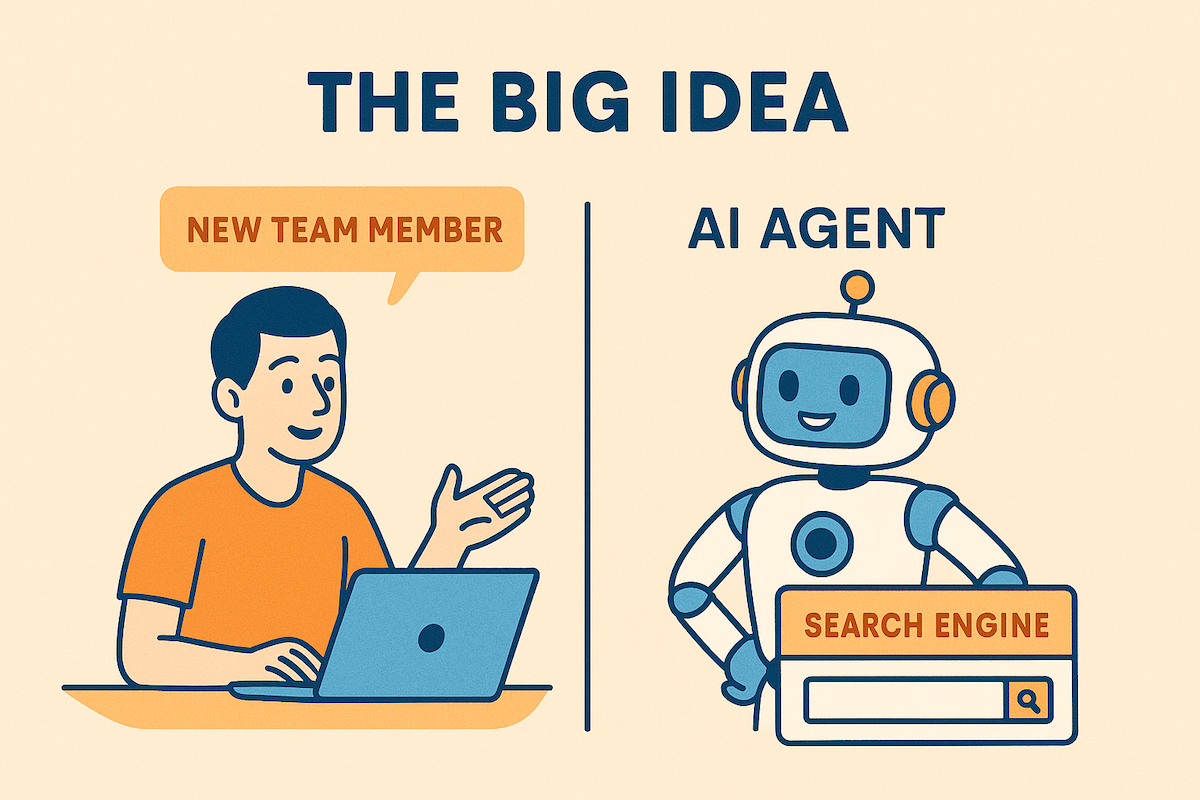
Your AI Agent is a New Team Member, Not a Search Engine
Think about the difference:
| Search Engine | AI Agent |
|---|---|
| You ask a question | You have a conversation |
| It finds existing answers | It creates new solutions |
| No context needed | Context = quality |
| Output is final | Output needs your review |
| Fast lookup | Partnership work |
The key insight:
A search engine finds things that already exist.
An AI agent creates things that don't exist yet.
When you create something new, you need to explain what you want.
The New Team Member Metaphor
Imagine a skilled developer joins your team today.
They are smart. They learn fast. They can write code.
But they don't know:
- Your codebase
- Your coding patterns
- Your business rules
- What you tried before
- Why things are built a certain way
Would you say to them: "Fix the login bug"?
No. You would explain:
- Where the bug is
- What the expected behavior is
- What you have already tried
- What files are involved
Your AI agent is the same. It is skilled, but it needs context from you.
The Golden Rule
The quality of what you get depends on the quality of what you give.
Vibe Coding vs Context Engineering
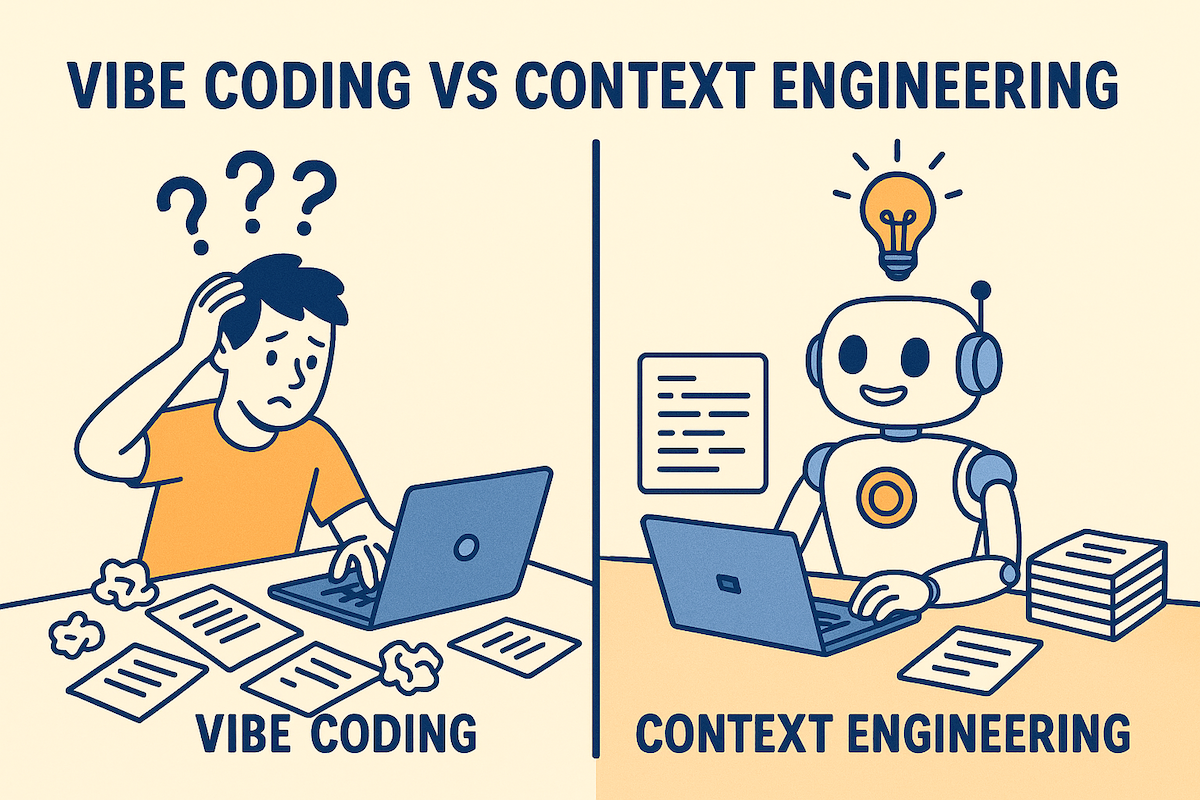
There are two ways to work with an AI agent.
Vibe Coding (The Problem)
Definition: Ask fast, hope for magic.
This is what it looks like:
You:  "Fix this test"
AI:   [writes code]
You:  [code doesn't work]
You:  "That's wrong, try again"
AI:   [writes different code]
You:  [still doesn't work]
...
[4 hours later, still debugging]
Common vibe coding prompts:
- "Fix this"
- "Make it work"
- "Why is this broken?"
- "Write a test"
- "Refactor this"
Why it fails:
- AI doesn't know your codebase
- AI doesn't know what "working" means to you
- AI guesses, and guesses are often wrong
- You spend hours fixing AI mistakes
Context Engineering (The Solution)
Definition: Teach the AI before you ask.
This is what it looks like:
You:  "This test fails because the mock doesn't return
       the right format. The function expects {id, name}
       but the mock returns {userId, userName}.
       The test is in tests/user.test.js line 45.
       Fix the mock to match the expected format."

AI:   [writes correct code]
You:  [review for 20 minutes, works]
The difference:
| Vibe Coding | Context Engineering |
|---|---|
| 5 min to write prompt | 15 min to write prompt |
| ??? hours to fix mistakes | 30 min to review |
| Frustration | Control |
| AI decides | You decide |
Visual: Time Comparison
VIBE CODING:
[Prompt 5min]──>[AI writes]──>[Broken]──>[Debug 2hr]──>[Ask again]──>[Broken]──>[Debug 2hr]──>[???]

CONTEXT ENGINEERING:
[Think 10min]──>[Prompt 15min]──>[AI writes]──>[Review 30min]──>[Done]
Context engineering takes more time upfront.
It saves much more time overall.
Why This Matters
When you vibe code:
- You don't understand what the AI wrote
- You can't debug it when it breaks
- You create technical debt
- Bugs will find you later
When you use context engineering:
- You control the solution
- You understand the code
- You can maintain it
- You learn while working
The STOP Rule
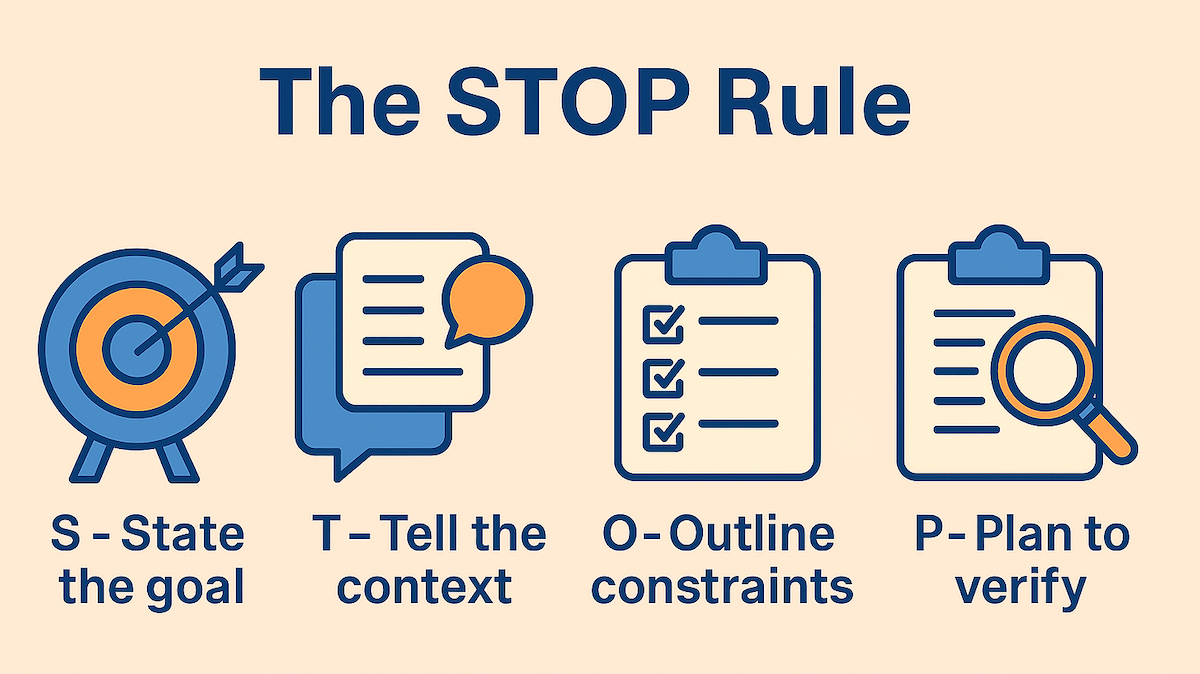
Before you ask the AI anything, STOP.
S - State the Goal
What do you want?
Be specific. Not "fix the bug" but "make the login work with email addresses that have a + symbol."
| Bad | Good |
|---|---|
| "Fix the bug" | "Make email validation accept + symbols" |
| "Make it faster" | "Reduce API response time from 2s to under 500ms" |
| "Write a test" | "Write a test that checks discount calculation for orders over $100" |
T - Tell the Context
What does the AI need to know?
- What files are involved?
- What is the current behavior?
- What is the expected behavior?
- What error messages do you see?
- What have you tried already?
Example:
The login function is in src/auth/login.js.
Currently it rejects emails like "user+tag@gmail.com".
The error is "Invalid email format" on line 23.
The regex pattern is: /^[a-zA-Z0-9]+@[a-zA-Z0-9]+\.[a-zA-Z]+$/
O - Outline Constraints
What are the rules?
- What patterns should the AI follow?
- What should it NOT change?
- What libraries or tools should it use?
- What is the code style?
Example:
- Keep the existing validation structure
- Don't change other email checks
- Follow our error handling pattern in src/utils/errors.js
- Use our existing test utilities in tests/helpers.js
P - Plan to Verify
How will you check it works?
Before asking, know how you will test the result.
- What tests will you run?
- What manual checks will you do?
- How will you know it's correct?
Example:
I will verify by:
1. Running the existing auth tests
2. Testing manually with "user+tag@gmail.com"
3. Testing edge cases: "user++tag@gmail.com", "+user@gmail.com"
Good vs Bad Examples

Learn from real examples.
Example 1: Fixing a Bug
| Bad | Good |
|---|---|
| "Fix the login bug" | "The login fails when email has a + symbol. The error is on line 45 of src/auth.js. The email regex doesn't allow +. Expected: user+tag@email.com should work. Keep other validation rules unchanged." |
Why the good version works: States exact problem (+ symbol), points to exact location (line 45), explains root cause (regex), gives expected behavior, sets constraint (don't break other rules).
Example 2: Writing a Test
| Bad | Good |
|---|---|
| "Write a test for this function" | "Write a test for calculateDiscount() in src/pricing.js. Test cases: (1) return 0 for amounts under $10, (2) return 10% for $10-100, (3) return 15% for over $100. Use our test pattern from tests/pricing/basePrice.test.js." |
Why the good version works: Names the exact function, lists specific test cases, points to existing patterns.
Example 3: Code Review
| Bad | Good |
|---|---|
| "Review this PR" | "Review this PR for: (1) security issues with user input, (2) performance with datasets over 1M rows, (3) consistency with our error pattern in src/utils/errors.js. Focus on the changes in src/api/users.js." |
Why the good version works: Lists specific concerns, gives performance requirements, points to reference code, focuses the review scope.
Example 4: Adding a Feature
| Bad | Good |
|---|---|
| "Add dark mode" | "Add a dark mode toggle to the settings page. Store the preference in localStorage with key 'theme'. Apply the theme by adding class 'dark' to document.body. Use CSS variables from src/styles/colors.css. The toggle should be in src/components/Settings.jsx after the language selector." |
Why the good version works: Specifies storage mechanism, explains implementation approach, points to existing style system, gives exact location.
Example 5: Debugging
| Bad | Good |
|---|---|
| "Why doesn't this work?" | "This function returns undefined instead of the user object. Input: {id: 123}. Expected: {id: 123, name: 'John', email: 'john@test.com'}. Actual: undefined. The database query in line 34 runs correctly (I checked the logs). The issue seems to be in the data mapping on lines 40-45." |
Why the good version works: Shows input and expected output, shows actual result, lists what you already checked, points to suspected area.
The Verification Habit
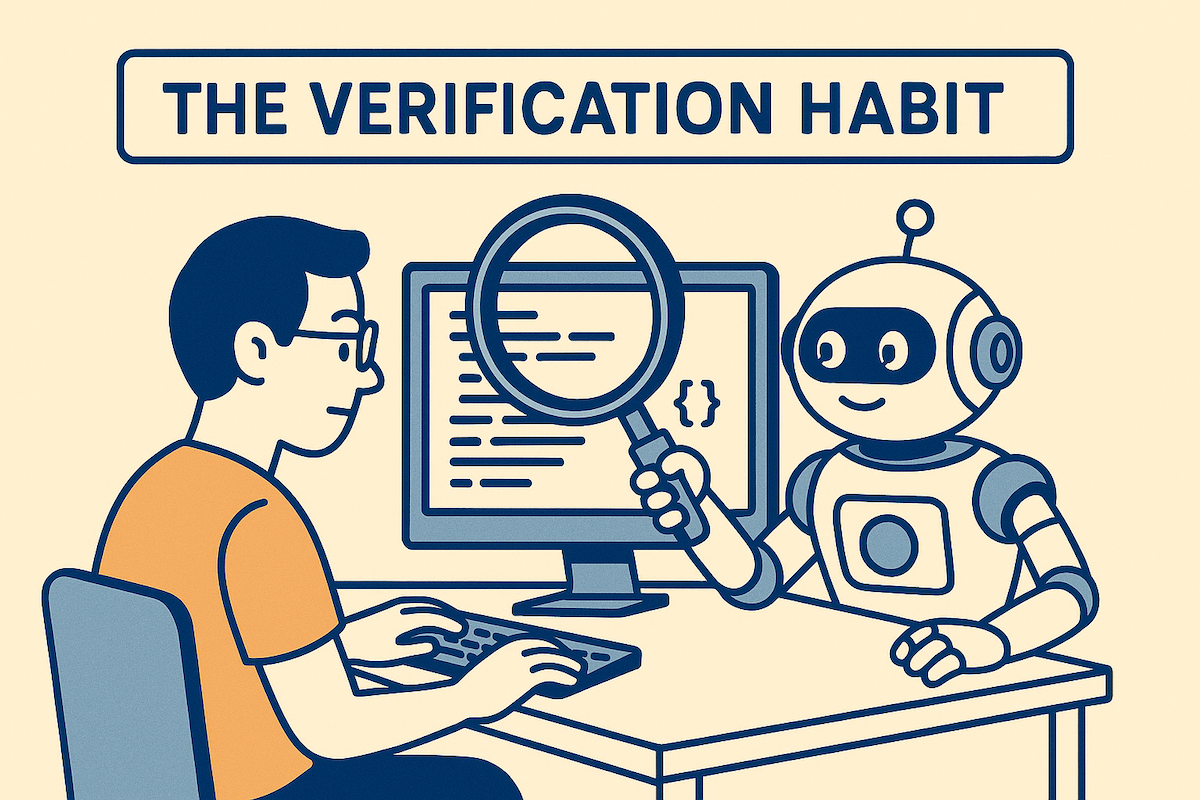
AI is Confident, Not Correct
The AI will always give you an answer.
The answer will always sound confident.
The answer is not always correct.
You must check the work.
The Verification Checklist
After the AI gives you code, ask yourself:
[ ] Does the code compile/run?
[ ] Do all tests pass?
[ ] Do I understand what it did?
[ ] Does it match our patterns?
[ ] Could I explain this in code review?
If any answer is "no", stop and investigate.
The Understanding Rule
If you cannot explain what the AI wrote,
you do not own it.
Bugs will find you later.
Own every line of code you commit.
If the AI wrote something you don't understand:
- Ask the AI to explain it
- Read documentation
- Test it in isolation
- Simplify if needed
Never commit code you don't understand.
Red Flags: When to Stop
Stop and think if:
- You have asked the same question 3+ times
- The AI's fix creates new problems
- You are copy-pasting without reading
- You can't explain what the code does
- The solution seems too complex
- Tests are failing and you don't know why
When you see red flags, take a break. Think about the problem yourself. Then try again with better context.
For Non-Native English Speakers
Simple English Works Better
Good news: AI understands simple English very well.
You don't need complex sentences.
You don't need perfect grammar.
You need clear information.
Tips for Writing Prompts
1. Short sentences are better
| Hard to understand | Easy to understand |
|---|---|
| "The function that is responsible for handling the authentication process is failing when a user attempts to login with an email that contains special characters" | "The login function fails. The problem: email with + symbol. Example: user+test@gmail.com" |
2. Use lists
Instead of:
"I need you to check the API response and make sure it returns the right format and also verify that error handling works properly"
Write:
Check the API:
- Response format is correct
- Errors return proper messages
- Status codes match our documentation
3. Use the code's words
Use the exact names from your code:
- Function names:
calculateDiscount(), not "the discount function" - File names:
src/auth/login.js, not "the login file" - Variable names:
userId, not "the user ID variable"
4. Show, don't tell
Instead of describing, show examples:
| Describing | Showing |
|---|---|
| "The input format is wrong" |
"Input: {userId: 1}. Should be:
{id: 1}"
|
| "It returns an error" |
"Error:
TypeError: Cannot read property 'name' of undefined"
|
Template for Non-Native Speakers
Use this template. Fill in the blanks.
WHAT I WANT:
[one sentence about your goal]

THE PROBLEM:
[what is wrong now]

THE CODE:
[file name and line numbers]

EXPECTED:
[what should happen]

ACTUAL:
[what happens now]

EXAMPLE:
[show input and output if possible]
Example:
WHAT I WANT:
Fix the email validation

THE PROBLEM:
Login rejects valid email addresses

THE CODE:
src/auth/validate.js line 23

EXPECTED:
Accept: user+tag@gmail.com

ACTUAL:
Error: "Invalid email format"

EXAMPLE:
Input: "user+tag@gmail.com"
Output: "Invalid email format"
Should be: validation passes
Your Native Language
AI can understand many languages.
If you think better in your native language:
- Write your thoughts in your language
- Then translate to simple English
- Or ask the AI to help translate
But note: English usually gives better results for code tasks.
Quick Reference Card
Before Every Prompt: STOP
| Letter | Question | Example |
|---|---|---|
| S | What is my goal? | "Accept + in email addresses" |
| T | What context does AI need? | "File: src/auth.js, line 23, regex issue" |
| O | What are the constraints? | "Don't change other validation" |
| P | How will I verify? | "Run auth tests + manual test" |
Prompt Template
GOAL:
[what you want in one sentence]

CONTEXT:
[files, line numbers, current behavior]

PROBLEM:
[what is wrong, error messages]

CONSTRAINTS:
[rules to follow, patterns to use]

VERIFY:
[how you will test the result]
Verification Checklist
After AI gives you code:
- [ ] Code compiles/runs
- [ ] Tests pass
- [ ] I understand every line
- [ ] Matches our patterns
- [ ] I can explain it
Red Flags (Stop and Think)
- Asked the same question 3+ times
- Copy-pasting without reading
- Can't explain what the code does
- Fix creates new problems
- Solution is too complex
Quick Comparison
| Do This | Not This |
|---|---|
| "Fix email validation in src/auth.js line 23 to accept + symbol" | "Fix the bug" |
| "Write test for calculateDiscount() with amounts: $5, $50, $150" | "Write a test" |
| Spend 15 min on a good prompt | Spend 5 min on a vague prompt |
| Verify every result | Trust AI output blindly |
| Understand before committing | Copy-paste and hope |
Remember
AI is your partner, not your boss.
You give context.
AI gives suggestions.
You verify and decide.
You own the result.